Kai
Quickstart
Run Kai with Docker Compose, create your workspace, add a key and send your first message.
This runs the whole stack on one machine: Kai, the library service, Postgres, Redis and SeaweedFS (an S3-compatible store). It takes a few minutes.
You need Docker with Compose v2, and an Anthropic or OpenAI API key.
Get the code and write .env
git clone <your-kai-repository> kai
cd kai
cp .env.example .env
Fill in the secrets. Any long random strings work for the passwords;
openssl rand -hex 32 makes good ones.
KAI_APP_URL=http://localhost:3000
KAI_AUTH_SECRET=           # openssl rand -hex 32
KAI_ENCRYPTION_KEY=        # openssl rand -hex 32 — back this up (see below)
POSTGRES_PASSWORD=
POSTGRES_APP_PASSWORD=
POSTGRES_AUTH_PASSWORD=
POSTGRES_SERVICE_PASSWORD=
S3_SECRET_ACCESS_KEY=
S3_PUBLIC_ENDPOINT=http://localhost:9010
Keep KAI_ENCRYPTION_KEY
Every API key and MCP credential is encrypted with it. If you lose it, people have to enter them all again. Back it up with the database.
Start the stack
docker compose -f infra/docker-compose.yml up -d --buildCompose builds two images (kai and library), creates the bucket, runs the
migrations once (the migrate service), then starts Kai on
http://localhost:3000.
Create your account
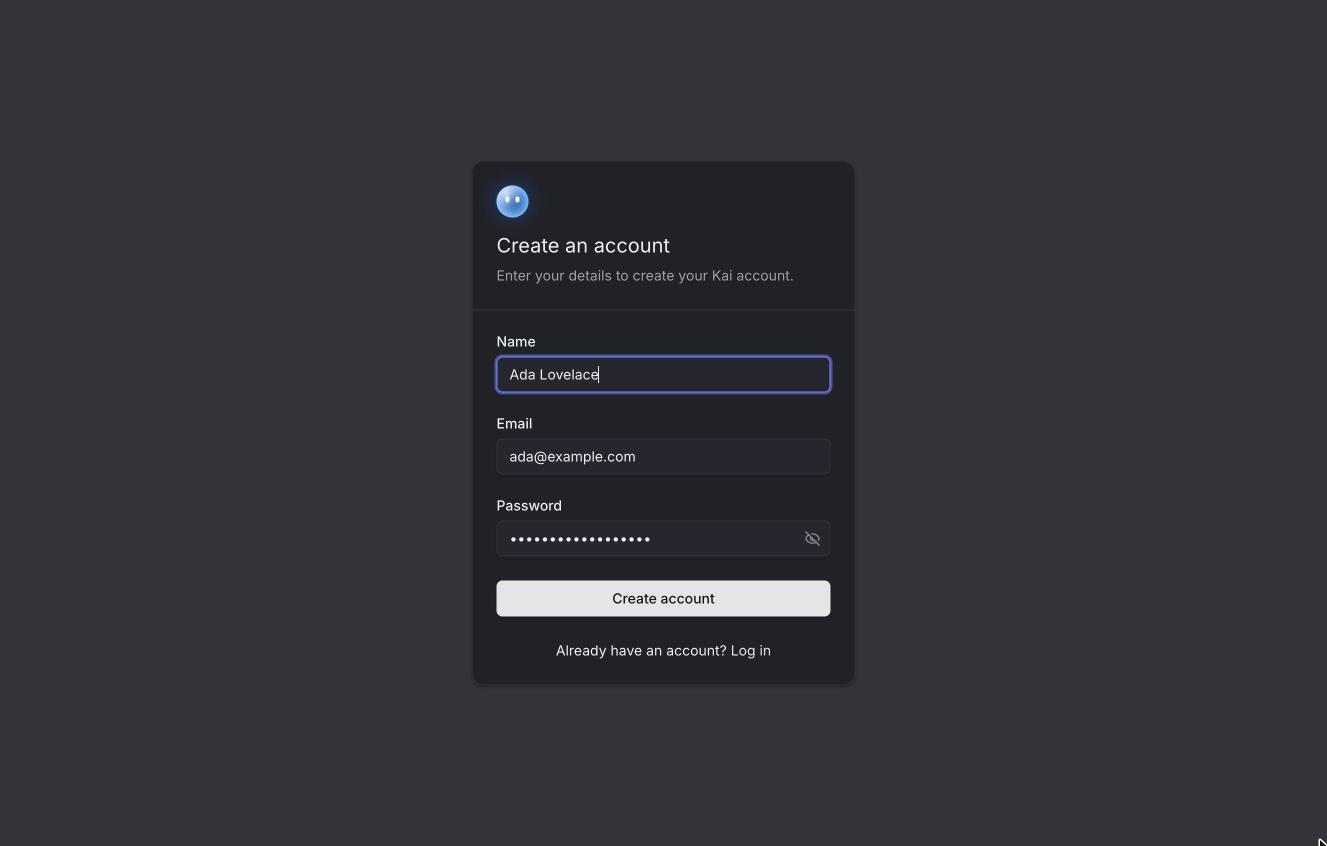
Open Kai and sign up. The first account on an empty instance can always sign
up; after that, sign-up follows KAI_SIGNUP_MODE
(invitations only, by default).
Kai sends a six-digit code to confirm the email address. Until you configure email delivery, codes are written to the server log:
docker compose -f infra/docker-compose.yml logs kai | grep -A6 "verification code"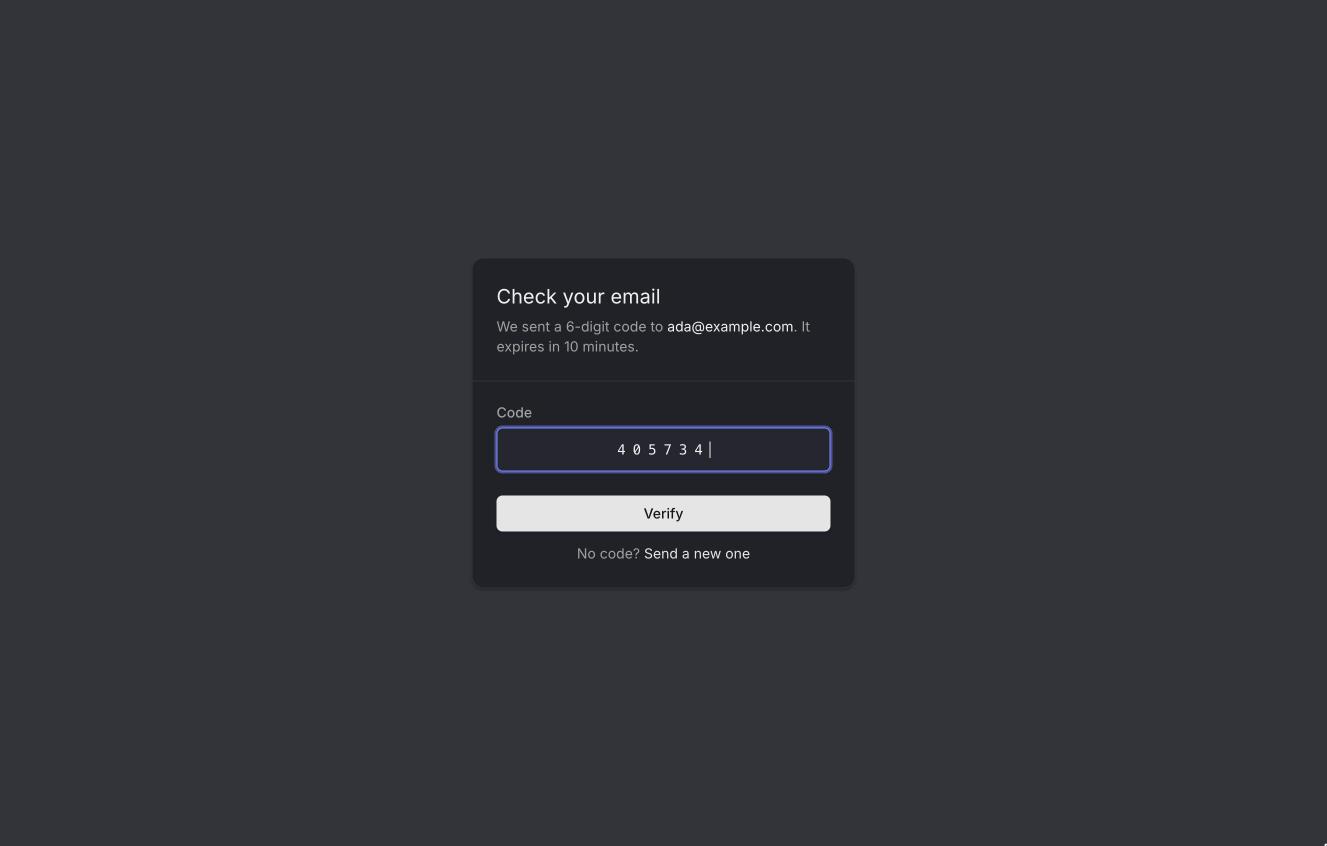
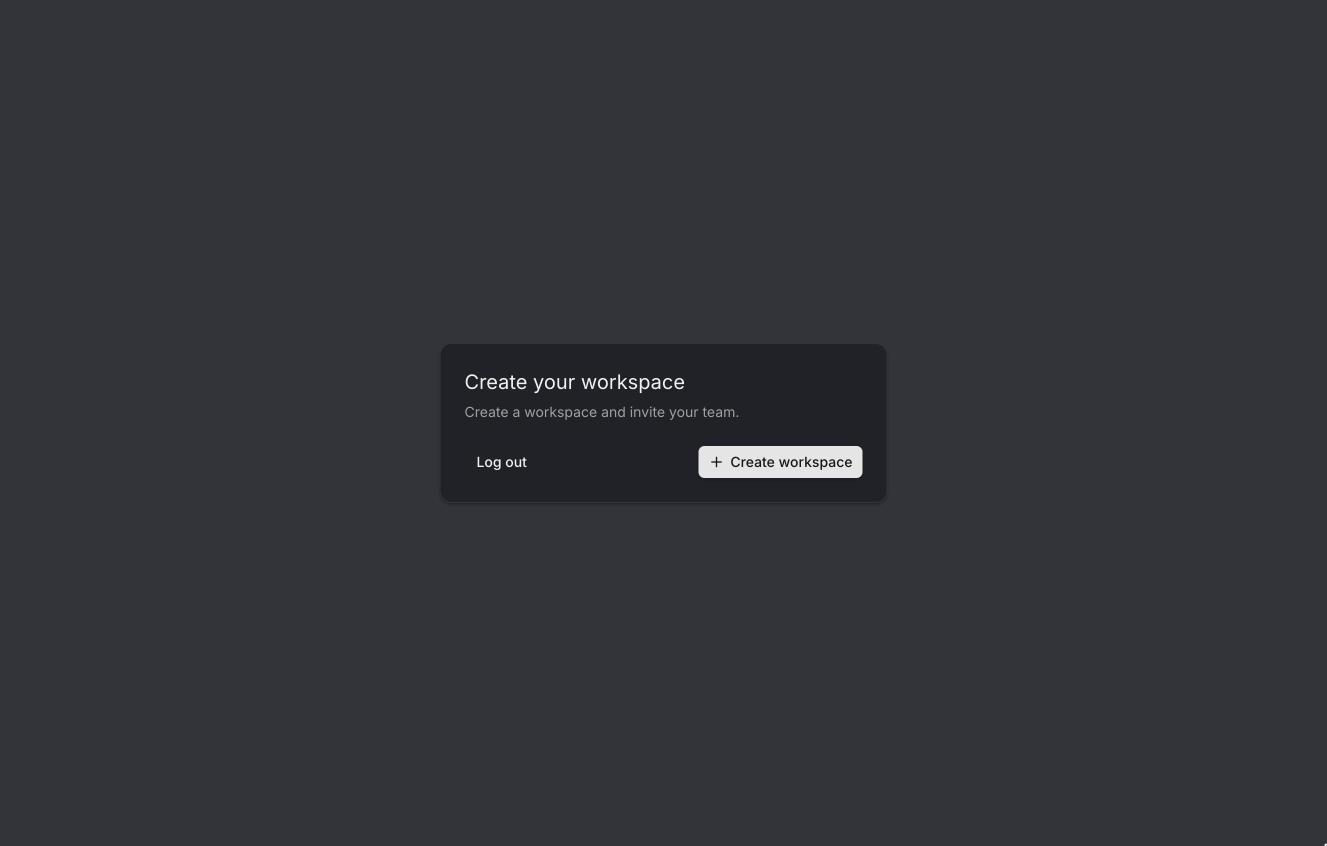
Create a workspace
Everything in Kai belongs to a workspace: keys, tools, agents, chats. Create one, then invite your team later from Settings → Members.
Add an API key
A new workspace has no models yet. Go to Settings → BYOK → Add key, pick the provider, paste the key and save. Kai lists the provider's models with the key and switches them all on; turn off the ones you don't want in the key's model list.
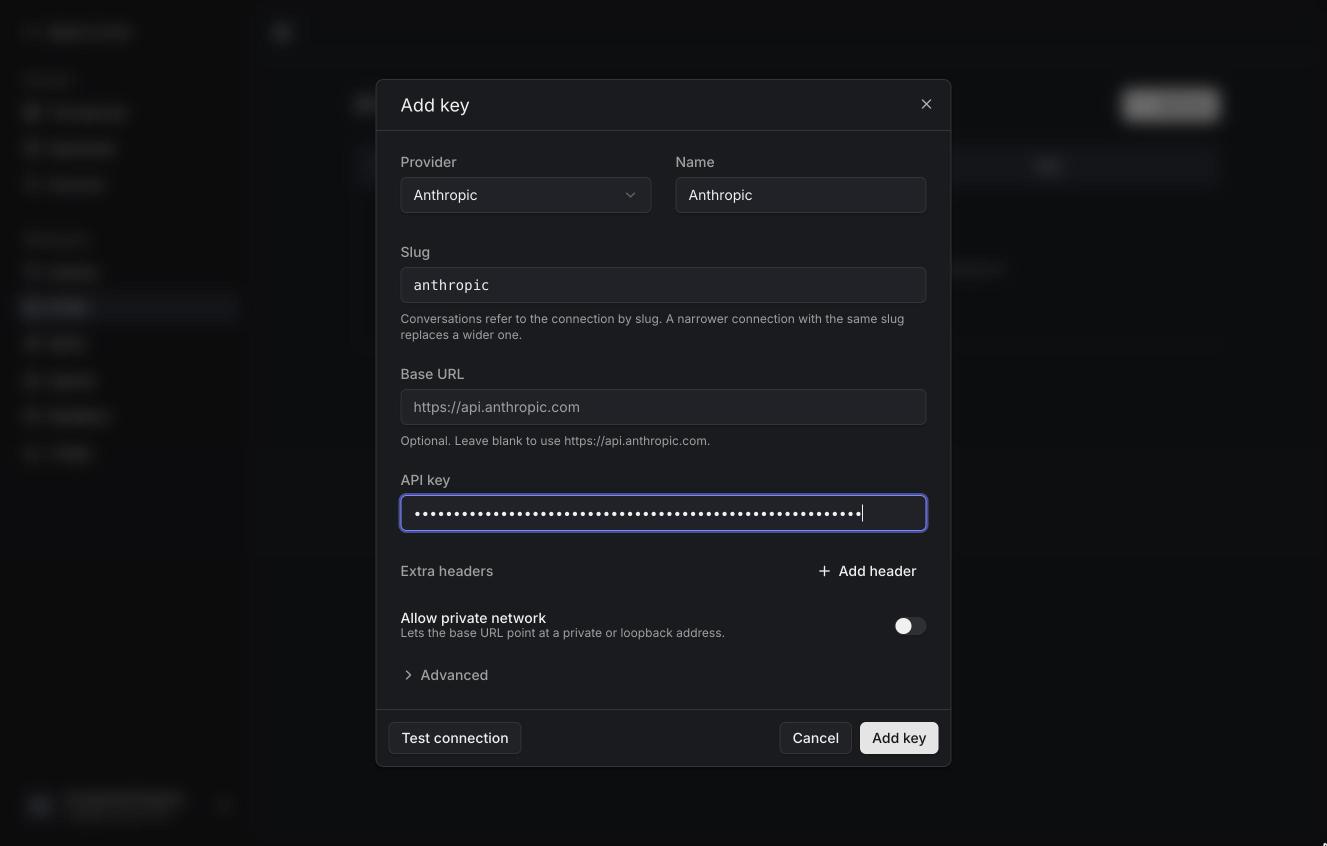
See BYOK for gateways, Azure and the other settings.
Chat
Back in the chat, pick a model and send a message. Replies stream in, and the chat gets a title on its own.